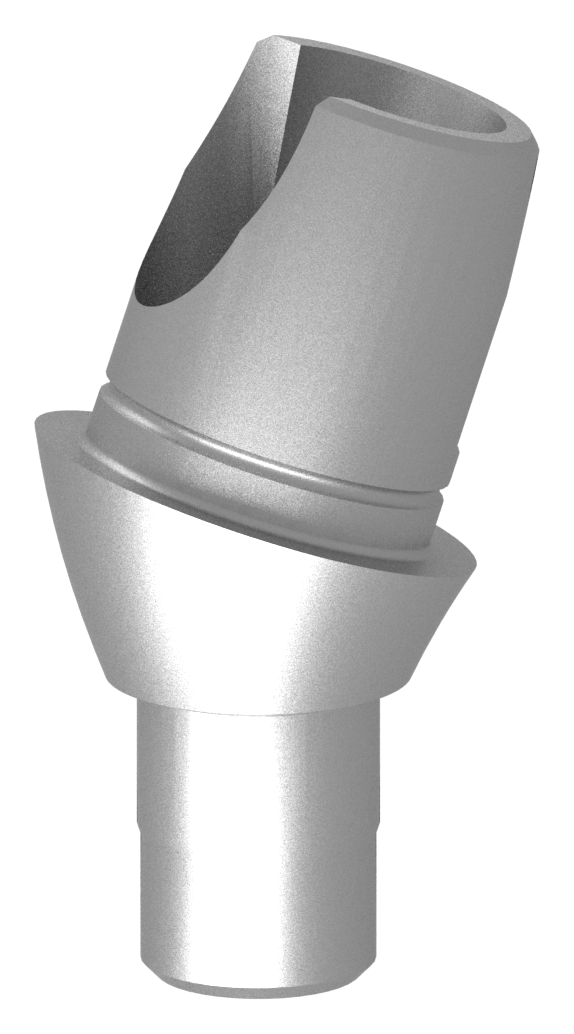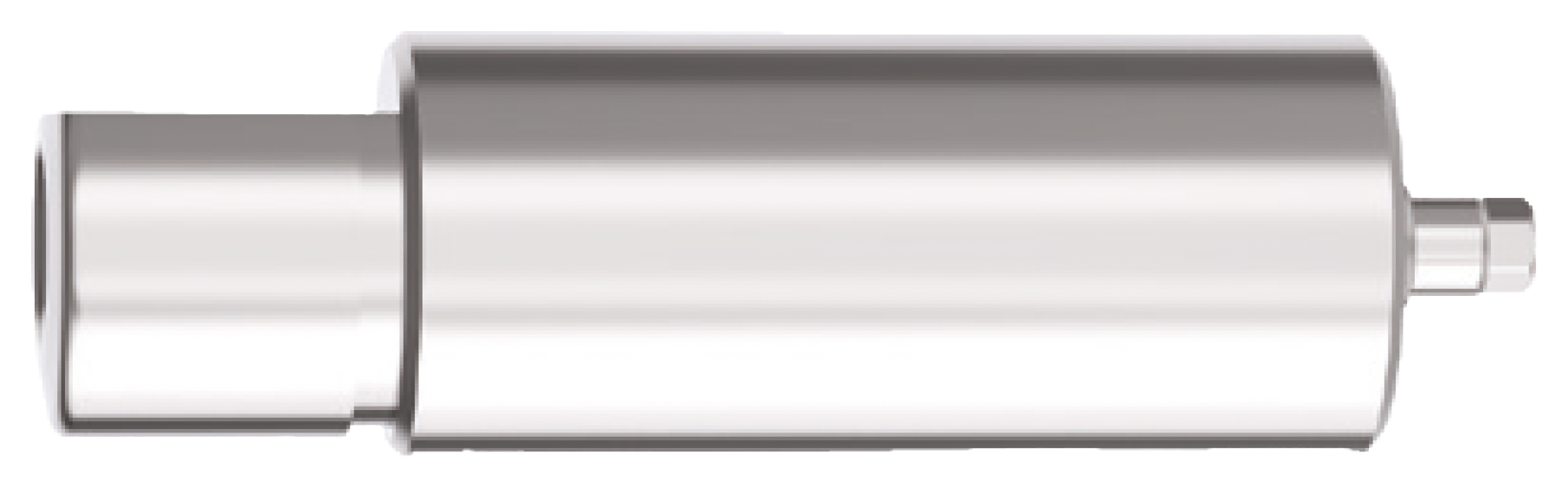
Capture the right connection
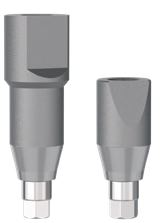
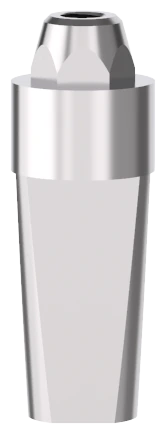
Choose the scan component for the documented implant or multi-unit level, and check the required HEX or NO-HEX configuration.
Explore NucleOSS scan bodies, Ti-Bases, digital analogues and manufacturer library resources for your dental laboratory workflow.
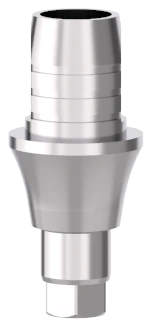
Start with the component reference and restorative level. Check the manufacturer’s library, revision information and instructions for the workflow you intend to use.
Find casting, impression and removable-restoration components alongside the digital range.
Casting components Impression & model components Ball & Equator workflows Ask a dental laboratory product question Manufacturer technical downloads (new tab)Scan bodies, digital analogues, Ti-Bases and premill components serve different stages of the workflow. Pair the chosen component with the manufacturer’s applicable library and instructions.
Choose the scan component for the documented implant or multi-unit level, and check the required HEX or NO-HEX configuration.
Use the manufacturer’s digital-library selection guide. A shared brand does not make every scanner, library or component interchangeable.
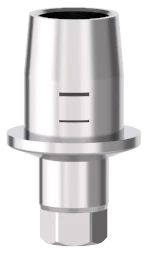
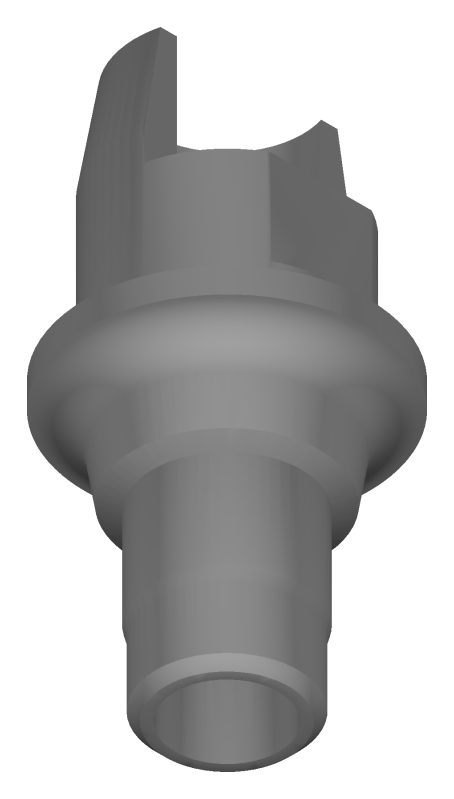
Explore digital analogues, titanium bases and premill options alongside the planned restoration.
Explore these documented product families. Individual product pages keep the specifications, reference and enquiry together.
Start with the documented connection level. Implant-level scan bodies are separate from multi-unit scan posts. The multi-unit CAD/CAM and CEREC® families below contain both capture components and restorative Ti-Bases; choose the named role on each product page.
Use the manufacturer’s selection guide to match the exact component, connection level and HEX or NO-HEX configuration. Check the applicable library before continuing into the laboratory.
Digital analogues carry the implant or multi-unit connection into the model. Explore implant-level Ti-Bases and premill options for the restoration, with the chosen connection, library and instructions kept together.
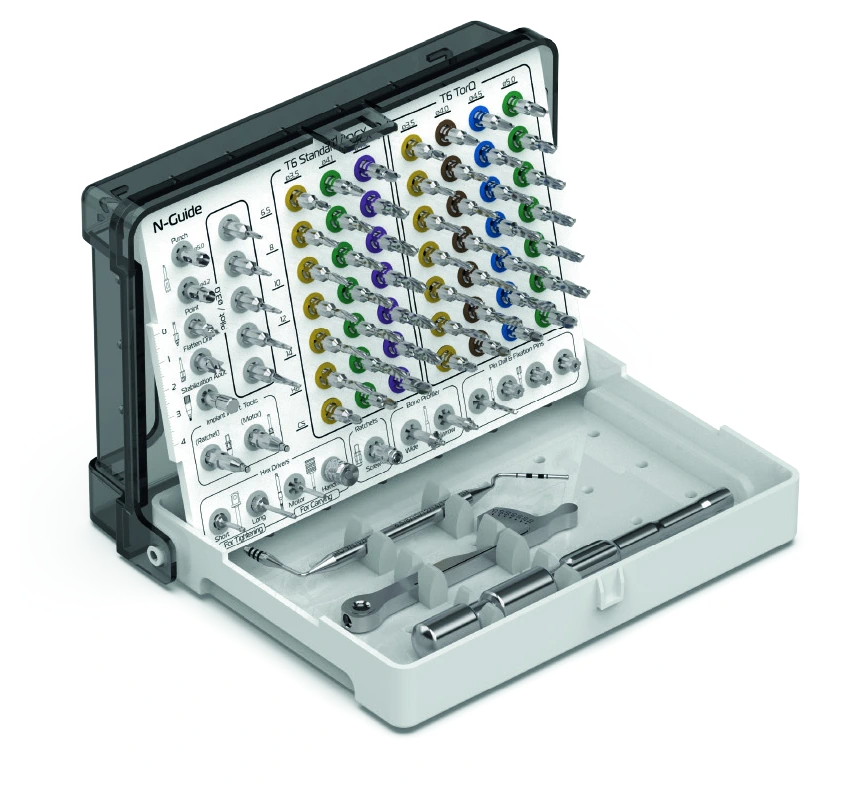 N-Guide Surgical SetCRH-116 · View the catalogue contents
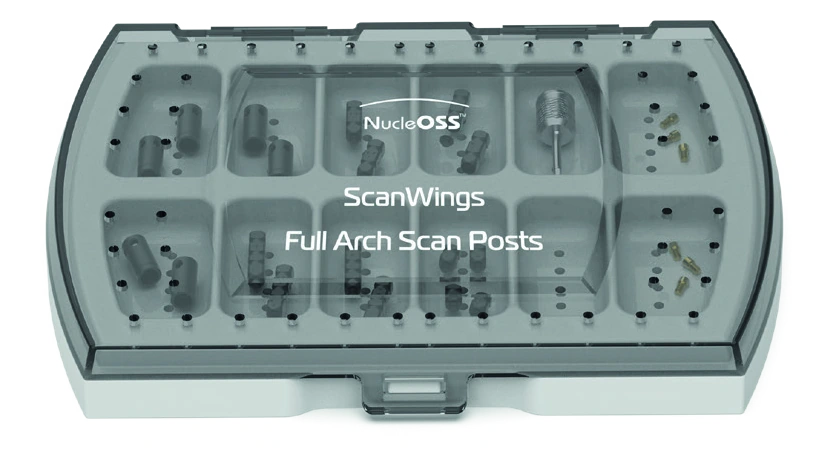 ScanWings Full Arch Scan Posts KitYRS-0033 · View the catalogue contents
Connection, platform and intended-use details are included on each product page. Use the relevant instructions for the selected assembly.
Include the component reference, connection level and digital library you are using. Ask HealthIN about product information, pricing and availability.